Live streaming
An unexpected twist during a live stream
You are mid-sentence, something happens just out of frame, and you spin to catch it. On a handheld phone, that quick turn is exactly the moment a live stream tends to blur. Here is why, and what a three-axis gimbal can do about it.

If you have ever gone live from your phone, you know the moment. Everything is calm, you are talking to the camera, and then something happens just off to the side: a friend calls out, the light changes, the view behind you suddenly matters more than your face does. You turn to catch it, and for a second or two, the stream turns into a blur.
Unlike an edited video, a live stream has no second take. Whatever happens on screen in that moment is what people watching actually see. That makes the quick, unplanned turn one of the toughest moments to get right while holding a phone in one hand.
It is a small thing, but it adds up. A viewer who opens a stream and sees a shaky, hard-to-follow picture is more likely to scroll on than one who sees a steady frame. You cannot plan for every unexpected moment, but you can change how your phone handles the ones that come up.
Why a quick turn looks so rough live
Three things usually work against you:
- Footsteps. If you are moving while you stream, every step sends a small bounce up through your arms and into the phone.
- Hand tremor. Even a steady hand makes tiny movements, and they become obvious once the phone is held out at arm's length for minutes at a time.
- Fast direction changes. Spinning to follow something unexpected is exactly the kind of sudden movement that looks jerky on a viewer's screen.
Many phones include built-in stabilisation, and it can be very good for small, gradual movements. It has limits once you are walking, turning quickly or holding the phone out for a long stream. That is where a dedicated handheld stabiliser comes in.
What "three-axis" actually means
A gimbal is a handle with a motorised mount that holds your phone. "Three-axis" means it can work against unwanted movement in three directions:
Motors and sensors work to keep the phone pointing where you aimed it while your hand moves underneath. It will not remove every bump, and technique still matters. But for walking shots, slow pans and follow-shots, it can make a visible difference.
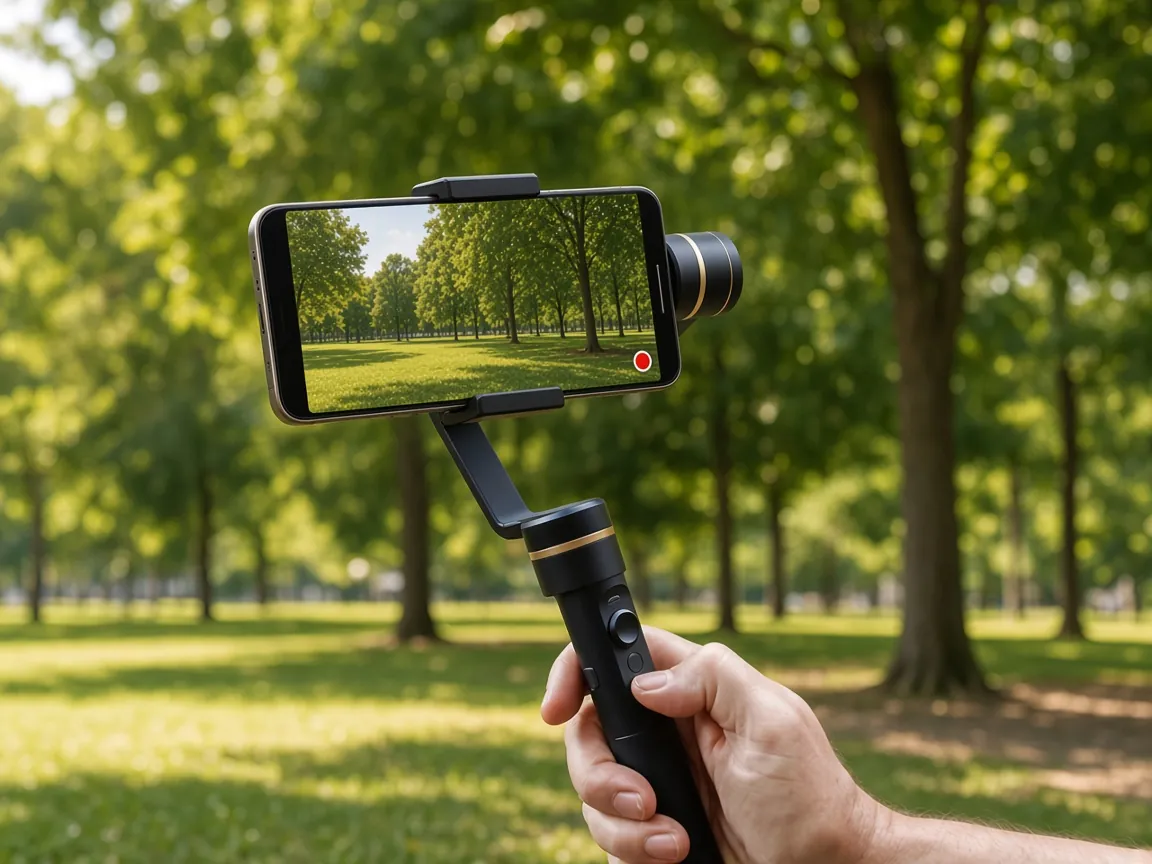
About this gimbal
The product in this article is the 3-Axis Phone Gimbal Stabilizer. Here is what you need to know, based on the product information available on 11 October 2026:
- A three-axis handheld gimbal for smartphone video.
- Holds a typical smartphone, for smoother walking shots, vlogs and travel clips.
- The clamp suits most phones, as long as they are not in a bulky case.
- Has a tripod thread on the handle, where fitted.
- Needs to be charged before first use.
Where it might earn its place
Outdoor streams
Lookouts, markets and walking tours are full of movement, and full of things that might pull your attention mid-stream.
Walk-and-talk streams
Talking to the camera while moving is hard to do steadily at arm's length. A handle can help keep the frame level.
Spontaneous moments
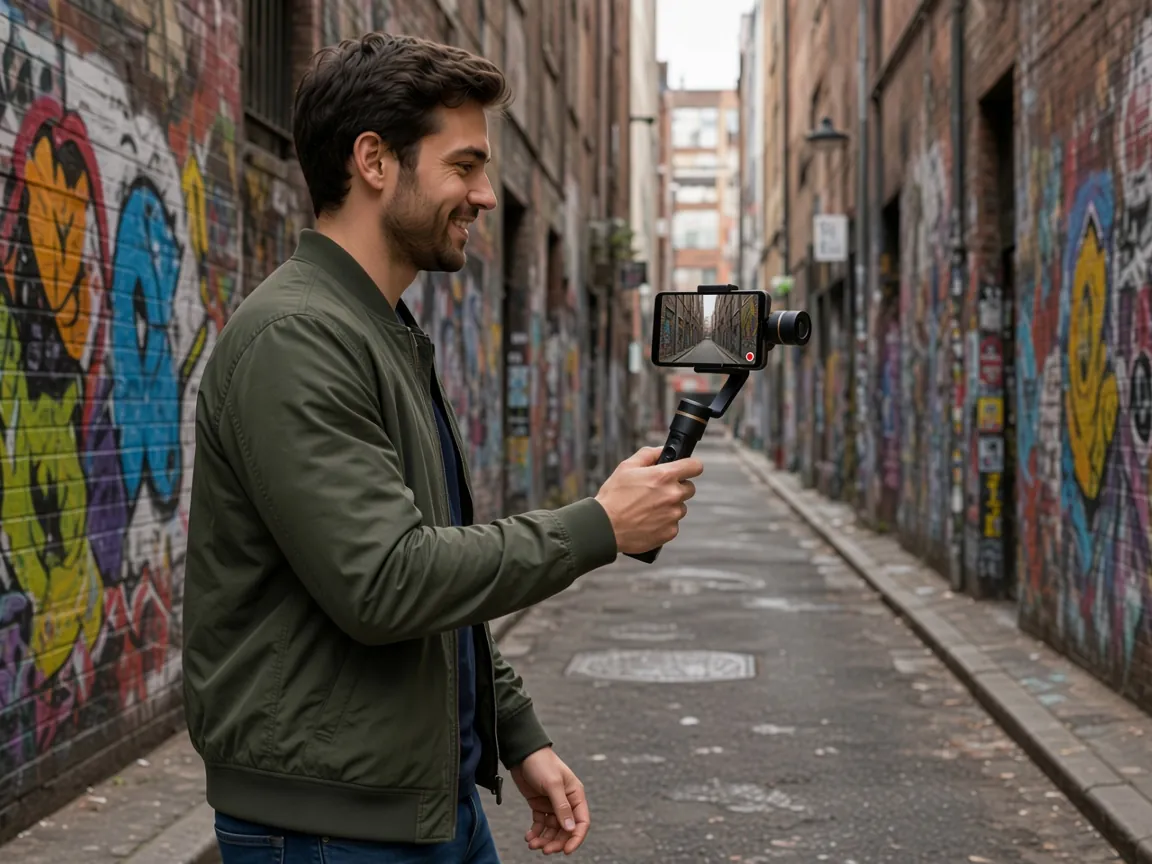
When something unexpected happens off to the side, a stabiliser helps the turn stay watchable instead of a blur.
Vlog-style live content
Long, handheld streams tend to drift and tire your arm. A gimbal takes some of that strain off your wrist.
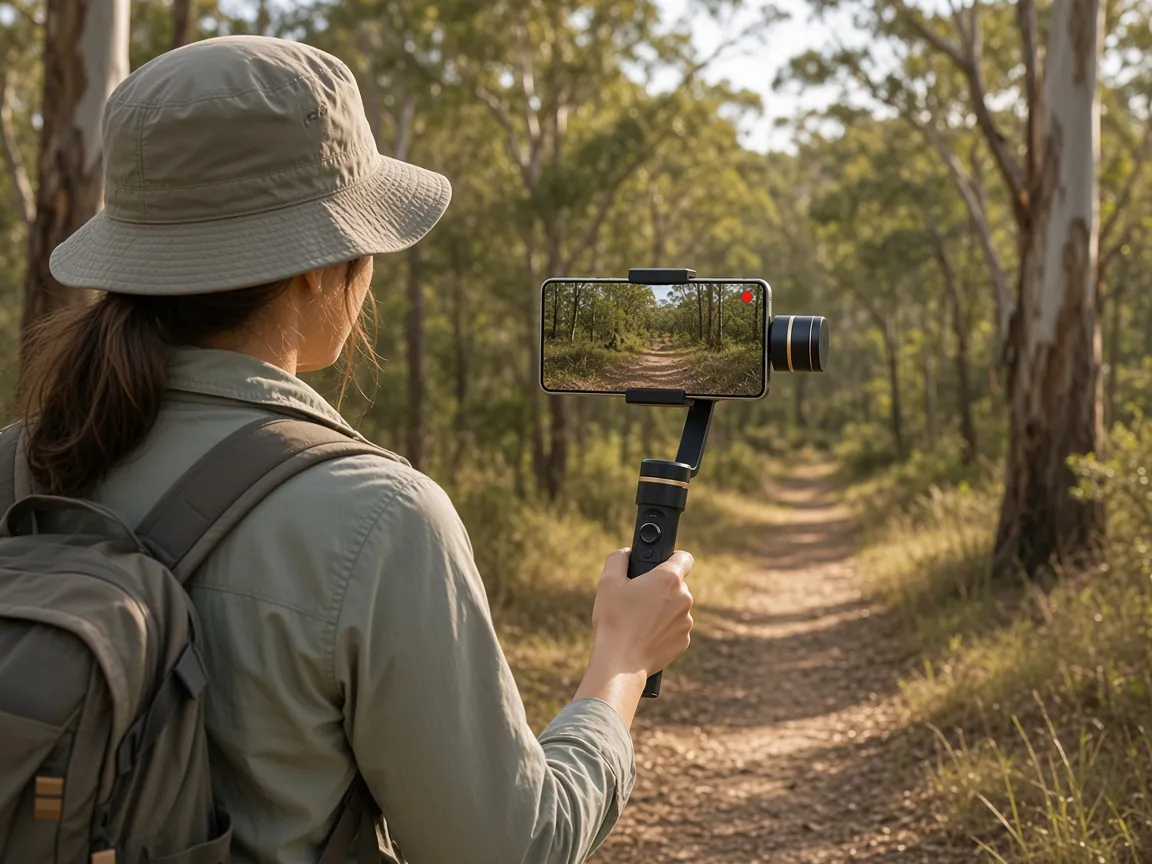
Five habits for smoother live video, with or without a gimbal
- Bend your knees. Walk heel to toe, like you are sneaking up on someone, to soak up the bounce.
- Keep your elbows close. Arms tucked in are steadier than arms stretched out.
- Turn from your hips, not your wrist. This is the move that matters most for that unexpected moment when you spin to follow the action.
- Check the fit. If the clamp is tight, take off a bulky case before you mount the phone.
- Warm up before you go live. A few practice turns help you judge how quickly you can move before the picture starts to blur.
The product mentioned in this article
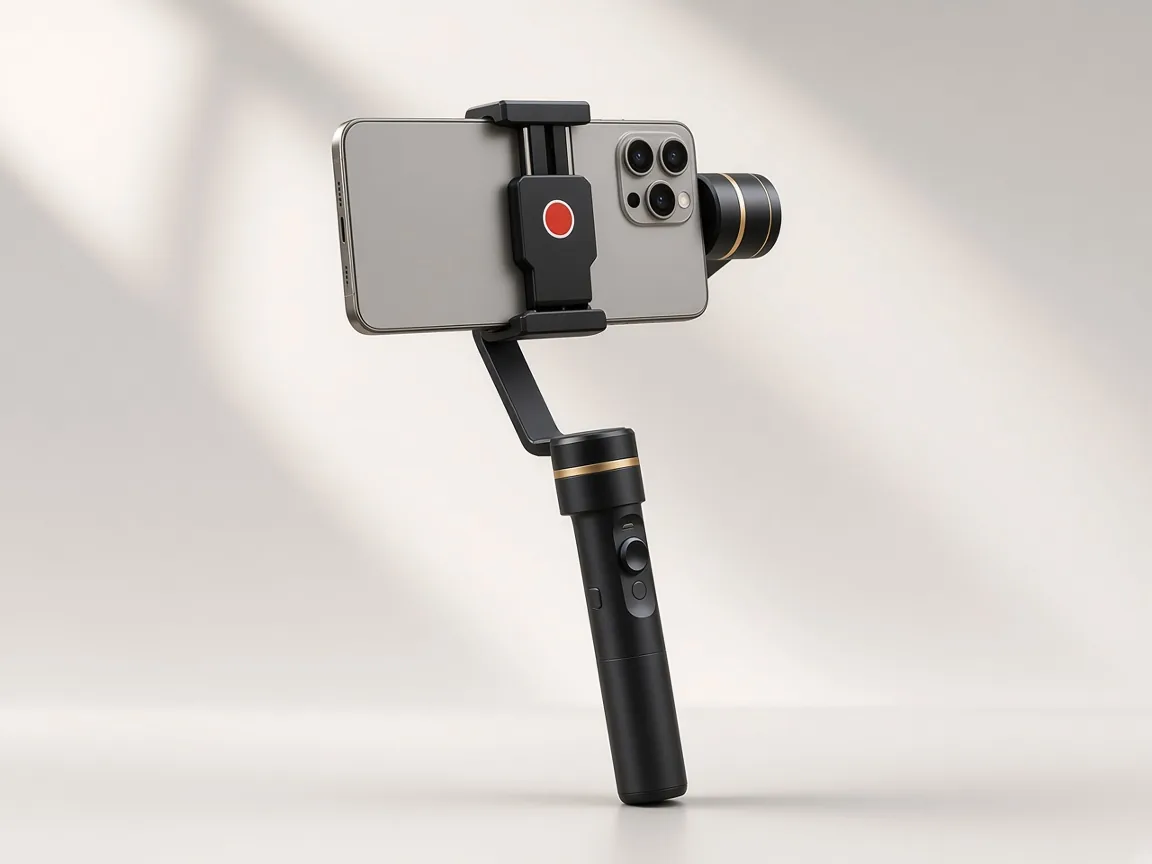
3-Axis Phone Gimbal Stabilizer
A handheld three-axis stabiliser that holds your own smartphone. Product reference AOS-1041.
A$69.95
About this advertisement
- This page is advertising, published by Digital Next Australia. It is not independent journalism, a review or a product test.
- Links to the retailer's website are advertising links. Digital Next Australia may receive payment for traffic or sales that result.
- Product details were taken from the retailer's page on 11 October 2026 and may have changed. The retailer's page is always the authority on price, availability, delivery and returns.
- Results vary. Footage quality depends on the phone, the conditions and how you film.